Unit 08 · lesson
GitHub Pages Architecture
GitHub Pages can publish static sites and has built-in Jekyll support.
The deployment architecture matters more than memorizing one settings screen.
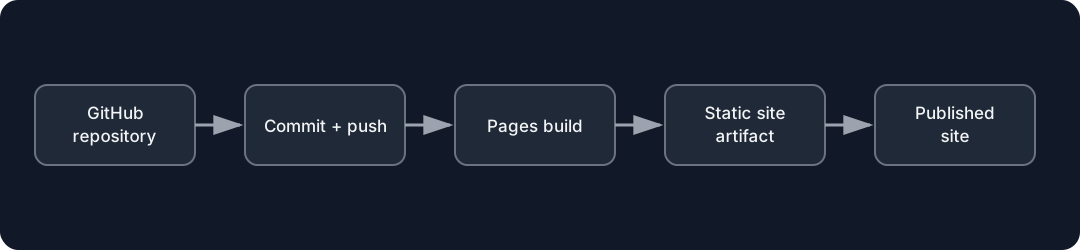
Diagrams open at a readable shape-aware scale. Zoom or expand when you need more detail.
Current publishing models
GitHub's current official documentation supports two important paths:
Publish from a branch
A configured branch/folder acts as the publishing source. For Jekyll content, GitHub's Pages infrastructure runs the Pages build/deploy workflow around that source.
Publish with a custom GitHub Actions workflow
You define a workflow that checks out source, prepares/builds the site, uploads the Pages artifact, and deploys it.
GitHub currently recommends Actions when you want explicit control over build/automation.
Branch publishing is not "no workflow"
GitHub's current Pages docs explain that Pages deployment uses GitHub Actions even when a branch is configured as the source.
That gives you workflow-run evidence for deployment failures.
Custom workflow responsibility
With a custom workflow, your repository owns more of the build definition.
That gives flexibility.
It also gives you more source to maintain:
.github/workflows/...Do not memorize action version numbers from this lesson
GitHub workflow action versions change.
Use the current GitHub-provided Pages/Jekyll template and official docs when you implement the deployment.
Read what it does:
checkout source
configure Pages
build Jekyll
upload artifact
deploy artifact
Architecture checkpoint
Draw the deployment path you will use and label which repository setting/file owns each step.