Unit 09 · lesson
Architecture Diagram
Your final diagram should explain the system better than a screenshot can.
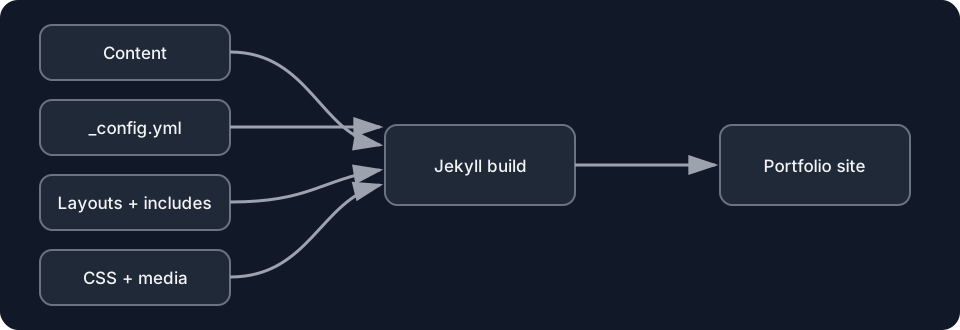
Diagrams open at a readable shape-aware scale. Zoom or expand when you need more detail.
Required layers
Include the source you actually use:
CONTENT
pages / posts / projects / data

TEMPLATES
layouts / includes / Liquid

CONFIG + DEPENDENCIES
_config / Gemfile / theme / plugins

BUILD
Jekyll / converters / rendering

OUTPUT
_site / static assets

VERSION + DEPLOYMENT
Git / GitHub / Pages workflow

PUBLIC EXPERIENCE
browser / public routes
Label arrows with verbs
Weak:
Projects → JekyllStronger:
_projects/*.md
  -- read as configured collection documents -->
Jekyll
Weak:
Jekyll → GitHub PagesStronger:
repository source
  -- build/deploy workflow produces Pages artifact -->
public site
Mark boundaries
Visually distinguish:
- source repository;
- local build environment;
- generated destination;
- GitHub-hosted build/deploy;
- public browser.
Mark one dependency
If you use a theme/plugin, show where it enters.
If you deliberately avoided them, note that the architecture remains local/custom.
Mark one failure path
Example:
wrong baseurl
→ wrong generated href
→ public 404
Checkpoint
Hide your labels/talking notes and show the diagram to another learner. If they cannot explain the main source-to-public path, revise the diagram.