Week 08 · lesson
Lesson 2: TCP, UDP, and the Complete A+ Port Set
Core path: 42 minutes
Ports are service clues. They are not magic numbers that prove an application is healthy.
TCP vs UDP
TCP provides connection-oriented delivery with sequencing/reliability mechanisms. UDP is connectionless and has lower protocol overhead, leaving reliability/ordering behavior to the application when needed.
Do not reduce this to "TCP slow, UDP fast."
Required service-port recognition
| Port | Protocol/service | Typical transport clue |
|---|---|---|
| 20/21 | FTP | TCP |
| 22 | SSH | TCP |
| 23 | Telnet | TCP |
| 25 | SMTP | TCP |
| 53 | DNS | UDP and TCP |
| 67/68 | DHCP | UDP |
| 80 | HTTP | TCP |
| 110 | POP3 | TCP |
| 137-139 | NetBIOS / NetBT | TCP/UDP depending on function |
| 143 | IMAP | TCP |
| 389 | LDAP | TCP/UDP contexts |
| 443 | HTTPS | commonly TCP; modern HTTP/3 can use QUIC/UDP |
| 445 | SMB/CIFS | TCP |
| 3389 | RDP | commonly TCP/UDP |
Default ports can be changed. Memorizing a number does not prove a service is present or authorized.
Service reasoning
Examples:
- DNS name lookup failure makes port 53/service evidence relevant.
- File-share access can make SMB/CIFS 445 relevant.
- Directory-service communication can involve LDAP 389.
- Remote desktop support can involve RDP 3389 under approved policy.
Guided case
A host responds to network tests but an SMB share is unavailable. That does not justify declaring "the network is down." The failed boundary may be the SMB service, access policy, name/path, or port/service configuration.
Student action
Create a port card for every row:
port:
service:
TCP/UDP clue:
what user function depends on it:
one failure that is NOT proved by the port alone:
Then sort the cards by use case: web, email, naming/addressing, remote access, directory/file services.
Evidence checkpoint
A port number is useful when it helps you connect a user-visible service to a network boundary without overclaiming root cause.
Visual reference
See the system before you troubleshoot it
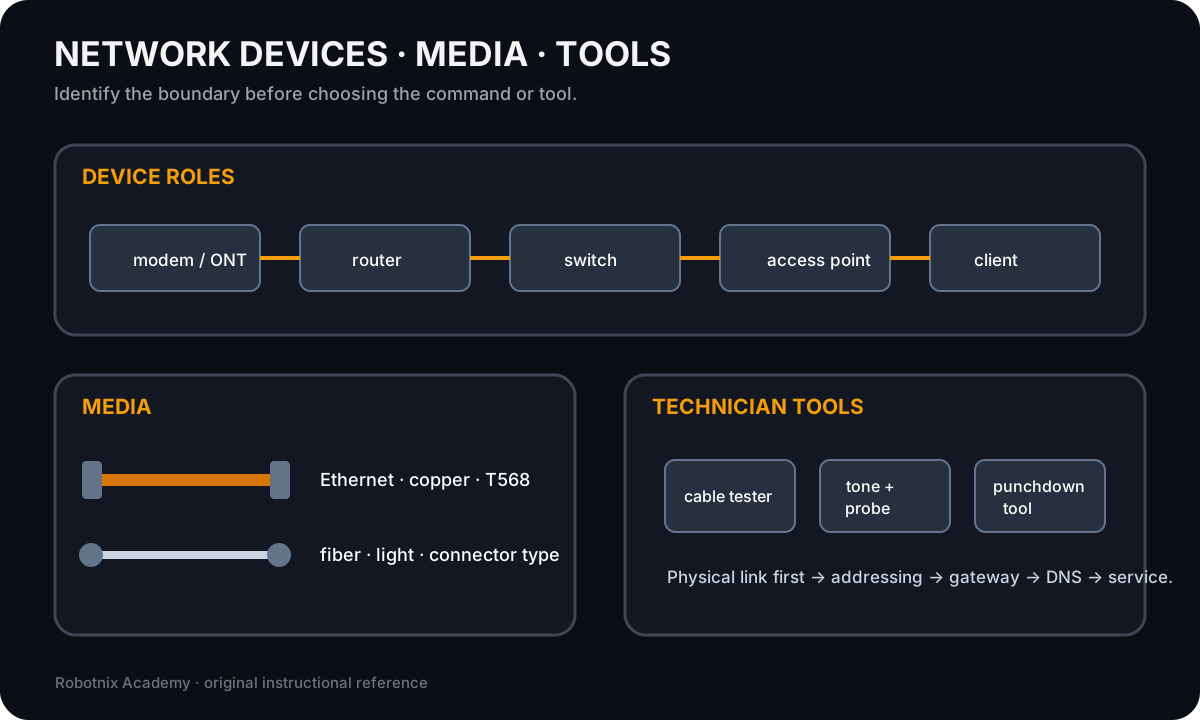
Network troubleshooting gets faster when you can identify which device, medium, service, or technician tool belongs at each boundary.
Use it for: Identify common network hardware, cabling, and physical troubleshooting tools before service-layer diagnosis.
Read it. Prove it.