Week 11 · lesson
Lesson 1: Windows Editions, Features, and Requirements
Core path: 42 minutes
Windows edition is not a cosmetic label.
It affects features, management options, remote access, encryption, policy tools, and upgrade planning.
Windows editions at A+ depth
Recognize these families:
Windows 10
- Home
- Pro
- Pro for Workstations
- Enterprise
Windows 11
- Home
- Pro
- Enterprise
N editions
N editions are variants distributed without certain media technologies/components. For technician work, the important point is that edition differences can affect available features and application expectations.
Feature differences
Domain vs workgroup
A workgroup is a peer-oriented local sharing model. A domain uses centralized identity and policy infrastructure.
Not every Windows edition supports the same domain-join or enterprise-management features.
Remote Desktop Protocol
Windows can act as an RDP client broadly, but hosting inbound Remote Desktop sessions depends on edition/features.
BitLocker
BitLocker provides full-volume encryption capabilities on supported editions/configurations. Availability differs by edition.
Group Policy Editor
gpedit.msc is a local policy-management tool available on supported editions. Do not assume every edition includes it.
RAM limits
Windows editions can impose different supported memory limits even when hardware supports more.
Hardware requirements
Modern Windows support can depend on:
- compatible CPU/platform;
- sufficient RAM/storage;
- UEFI;
- TPM capability;
- supported drivers;
- graphics/application requirements.
The exact Microsoft support matrix can change, so technicians verify current vendor documentation.
Upgrade paths
In-place upgrade
Attempts to preserve supported applications, data, and settings while moving to a newer supported Windows version/edition path.
Clean install
Creates a fresh operating environment. This is more disruptive and requires explicit data/application recovery planning.
Guided case
A school workstation needs:
- BitLocker;
- domain join;
- Group Policy support;
- remote administration;
- 32 GB RAM.
A proposed edition lacks one of those management/security capabilities.
The hardware may be adequate while the edition choice is still wrong.
Student action
Build an edition-requirement matrix for four fictional systems.
Columns:
required edition/family:
domain/workgroup need:
RDP need:
BitLocker need:
gpedit/policy need:
RAM requirement:
TPM/UEFI requirement:
upgrade path:
Evidence checkpoint
A technician should be able to explain which required feature drives the edition decision rather than saying "Pro is better."
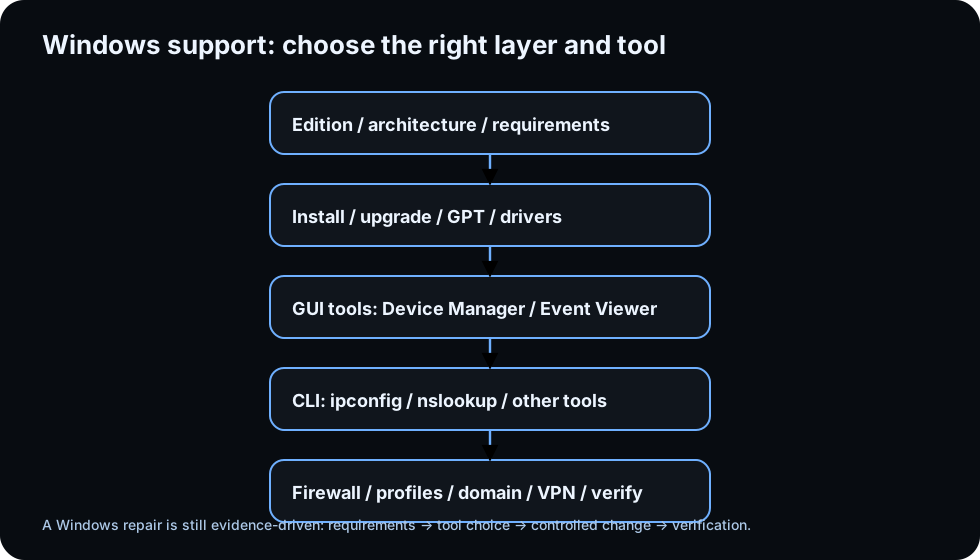
Diagrams open at a readable shape-aware scale. Zoom or expand when you need more detail.
Read it. Prove it.
Lesson knowledge checks
Answer from the lesson you just completed. Results stay in this browser and are not submitted.Why does Windows edition matter in a support decision?
What is the practical difference between 32-bit and 64-bit operating-system support?
system flow
Trust Decision: identity to authorized action
Identity claim
A user or system presents an identity claim.
Authenticate
The system verifies evidence associated with that claimed identity.
Authorize
Policy evaluates whether the authenticated principal may perform the requested action.
Protected resource
The system allows or denies access according to the decision.
Audit / crypto evidence
Logs and cryptographic mechanisms support specific integrity, confidentiality, or accountability claims.
Read this concept flow as plain text
- Identity claim. A user or system presents an identity claim.
- Authenticate. The system verifies evidence associated with that claimed identity.
- Authorize. Policy evaluates whether the authenticated principal may perform the requested action.
- Protected resource. The system allows or denies access according to the decision.
- Audit / crypto evidence. Logs and cryptographic mechanisms support specific integrity, confidentiality, or accountability claims.